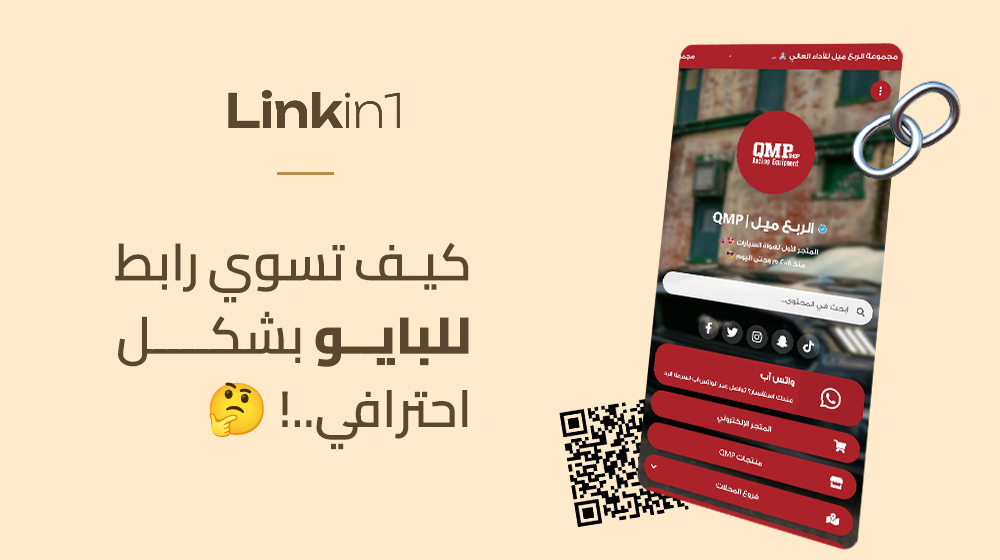
If you are looking for a way to build a professional link page that gathers all your accounts and products in one place, you are in the right place. In this complete guide we explain everything you need to know about the bio link and how to build one that serves your marketing goals and grows your audience engagement.
What is a bio link, and why do you need one?
A bio link is a single page holding all your important links — your social media accounts, your online shop, your past work, or anything else you want to share with your audience. The problem it solves is simple: most social platforms, like Instagram and TikTok, allow just one link in your bio. That is where a link page comes in — one place holding everything you need.
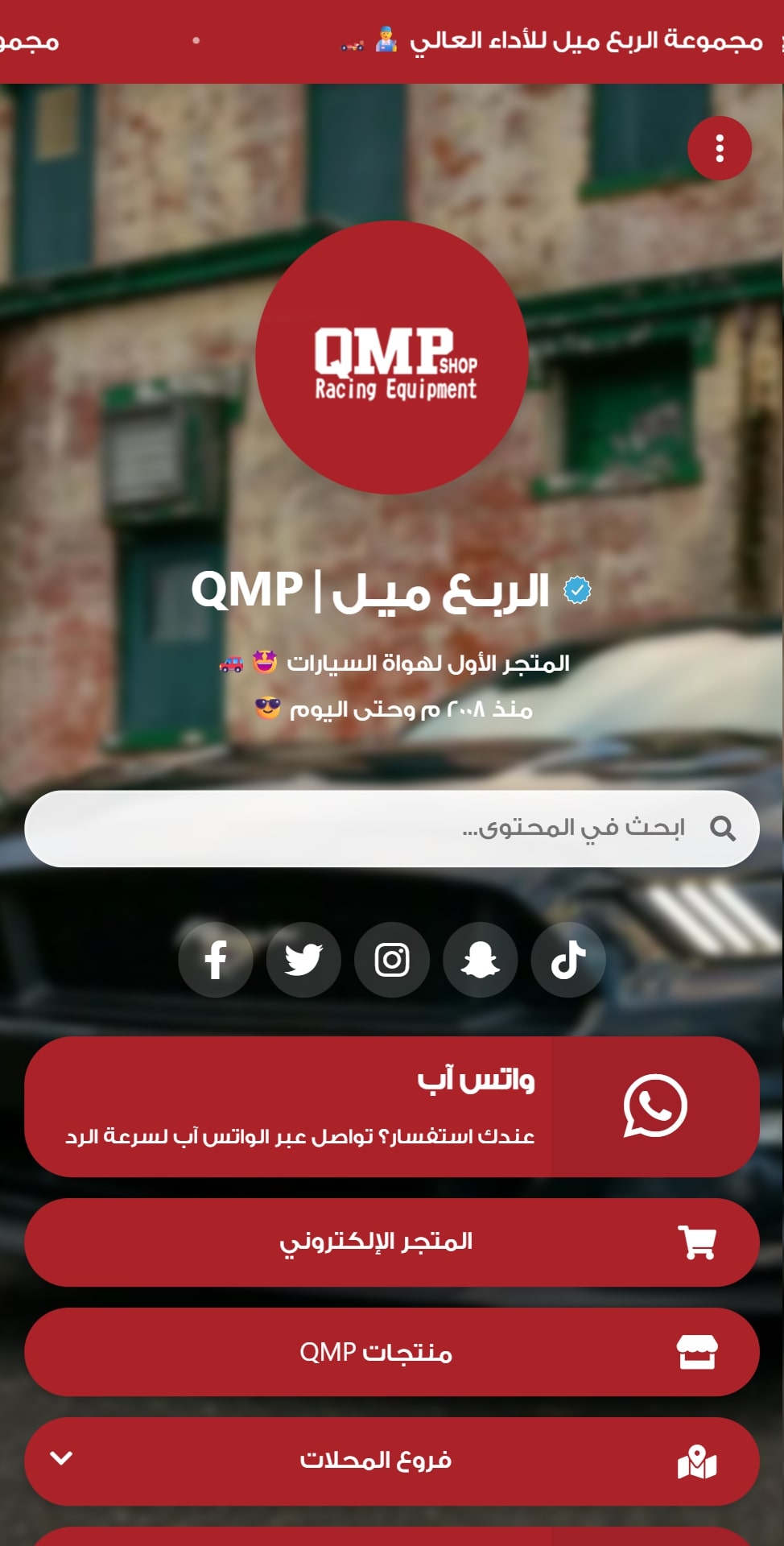
Why is Linkin1 the best Arabic bio-link platform?
When you look for an Arabic Linktree alternative, you will find plenty of options — but most are built for foreign markets, with incomplete Arabic support or features that miss what the Arab market needs. That is where Linkin1 comes in as the first complete Arabic platform for professional link pages.
Linkin1 was built specifically for Arabic content and the Gulf market, so every feature and screen is designed for your needs. The platform gives you complete control over how your page looks, with full customisation to match your visual identity — whether you run a restaurant and want an e-menu, you are an influencer connecting all your accounts, or a business owner presenting products and services.
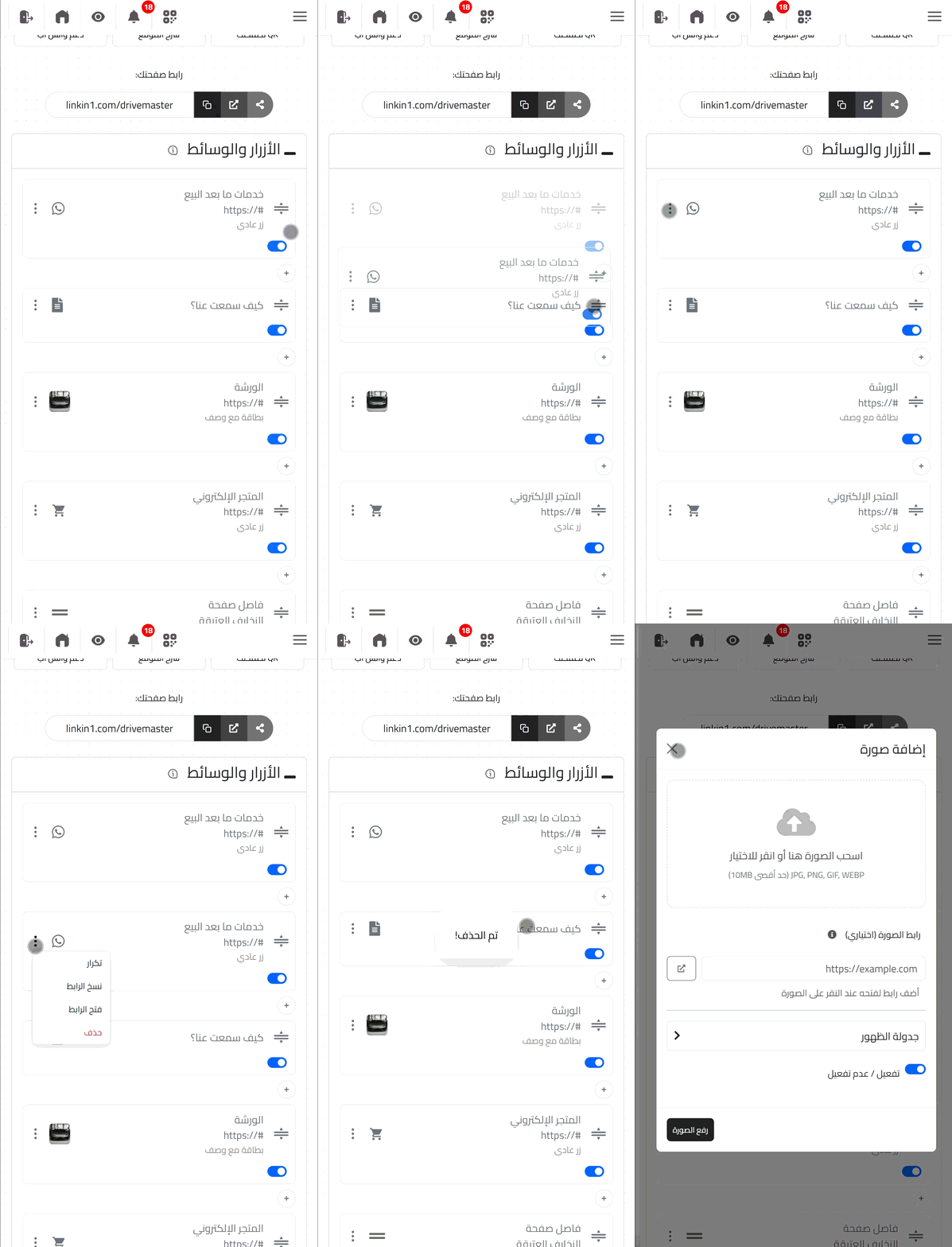
How to build a link page on Linkin1, step by step
Creating a professional link page on Linkin1 takes no more than five minutes. The process is very simple and needs no technical experience. First, sign up at linkin1.com and choose the username you want for your page. That name becomes part of your final link, so pick something memorable that reflects your identity or business.
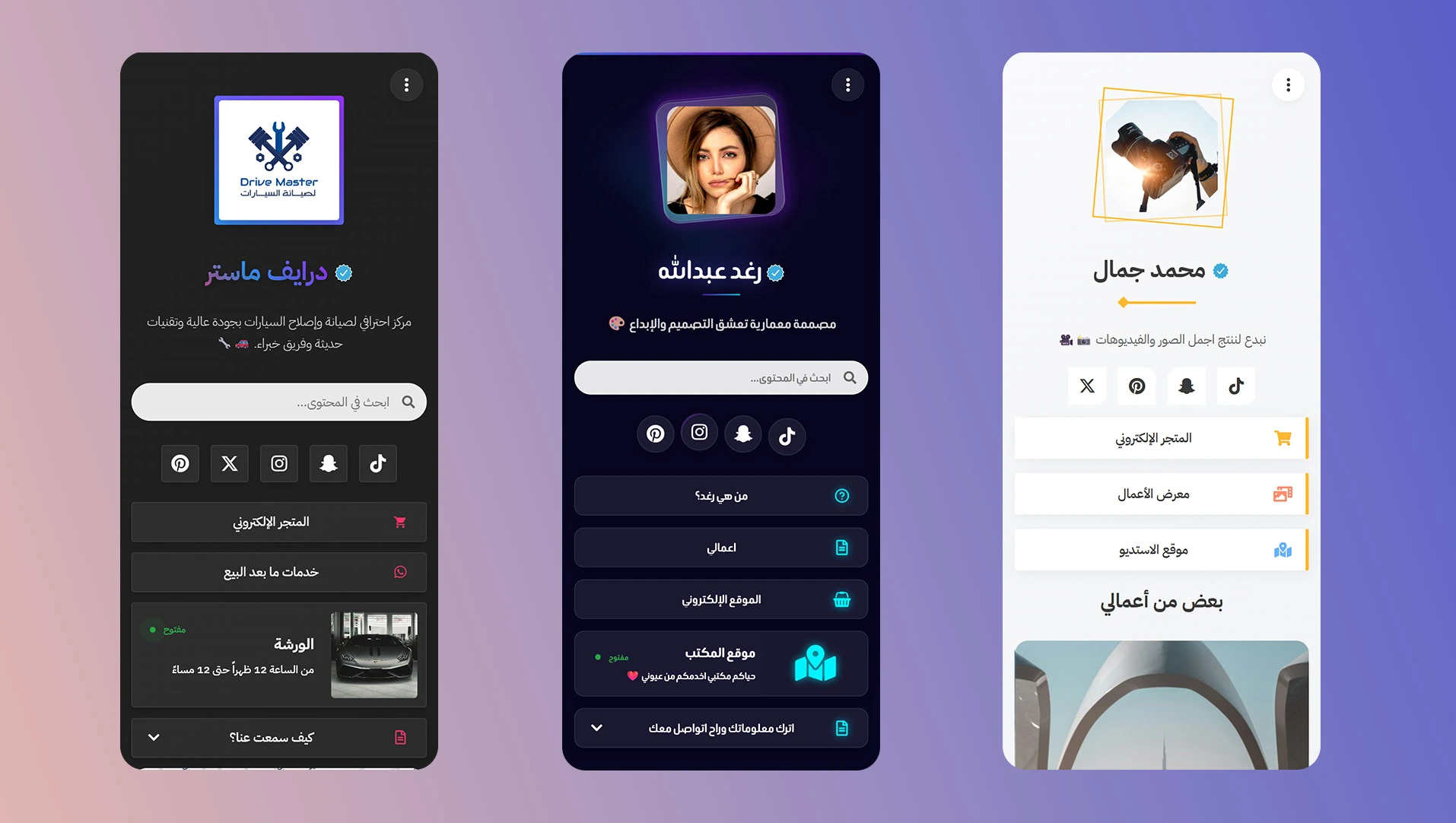
After signing up you land straight in the simple, clear dashboard. From there you can start customising: add your photo or brand logo, write a short bio, and pick one of the many ready-made templates. Every template is carefully designed to give a different professional look that fits your kind of work. You control the page colours to match your visual identity — and for professionals who want more, the platform supports custom CSS for a completely unique design.
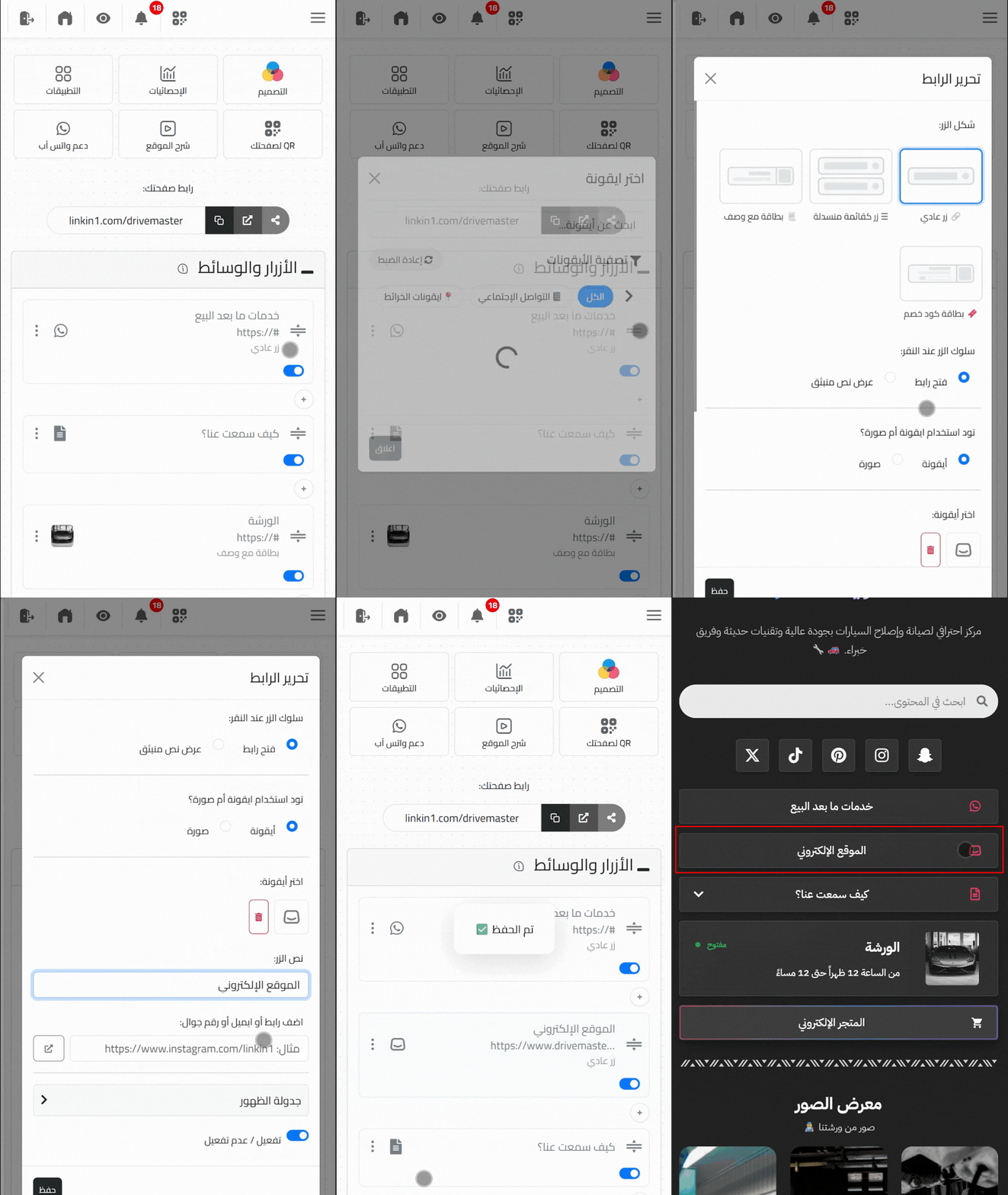
The next step is adding your links. Just press the add-link button, type a title and the link itself. You can add unlimited links and rearrange them with drag and drop. A Linkin1 speciality: you can put multiple links inside one button, keeping the content organised and your page compact.
The design and presentation features that set Linkin1 apart
Linkin1 goes beyond plain links, giving you varied display options that make your page more attractive and professional. You can add cards with a detailed description for each service or product, giving visitors clearer information before they click. There are also eye-catching discount coupon cards for promotions and marketing campaigns.
Another strong feature is the photo and video gallery that presents your work or products visually. You can also add single images or dividers between sections to organise the content. For online shops, there is a products feature with prices and photos — turning your page into a mini store that customers can browse and buy from.
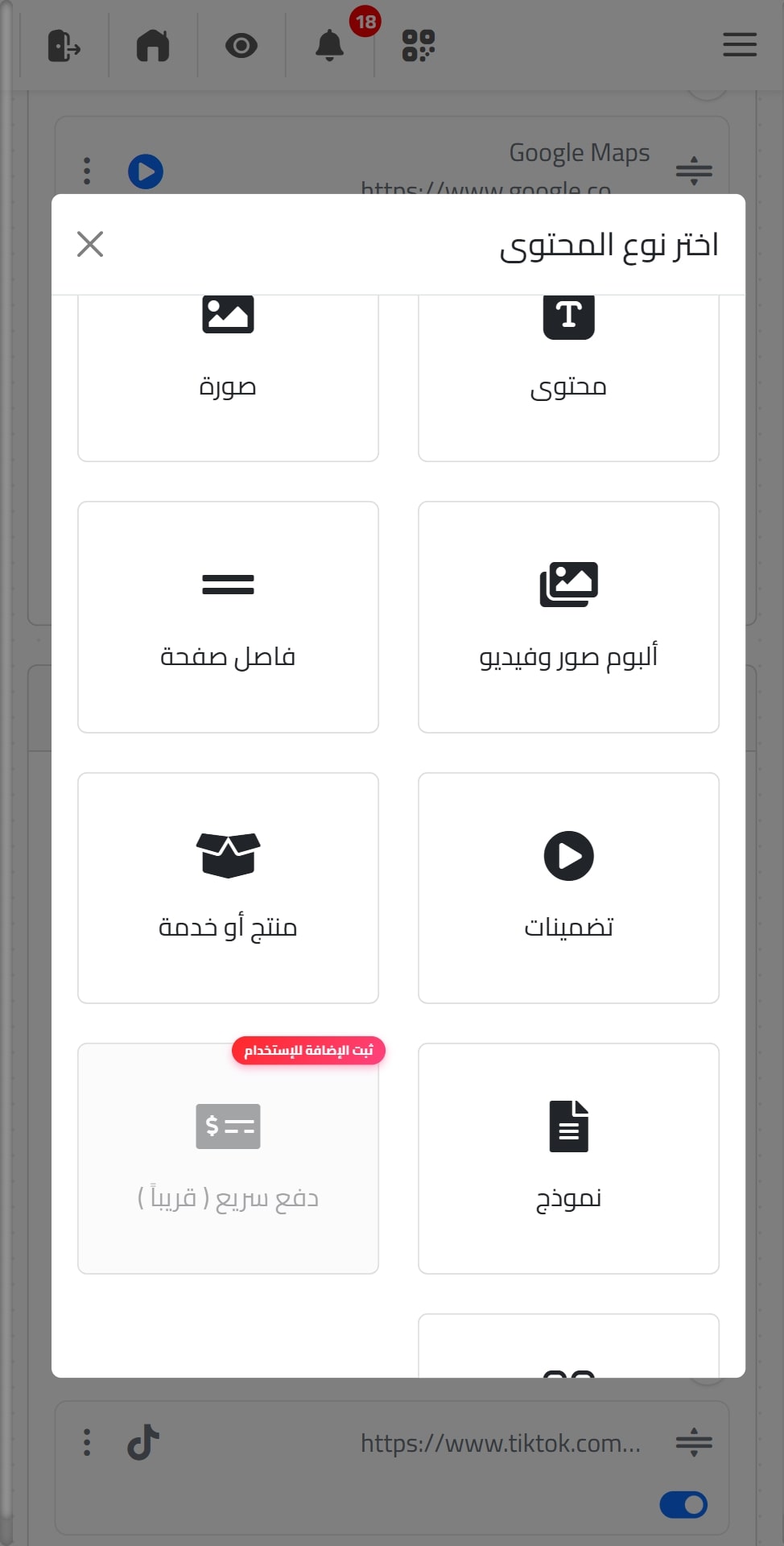
The scheduling feature gives you full control over when elements appear on your page. You can schedule top icons, buttons and media by time or day — running temporary marketing campaigns or seasonal content with no manual editing. It is especially useful for restaurants promoting specific meal offers at set times, or influencers promoting different content at different hours.
The built-in apps that make your page more powerful
What separates Linkin1 from the competition is its set of built-in apps that turn your page from a list of links into a serious marketing tool.
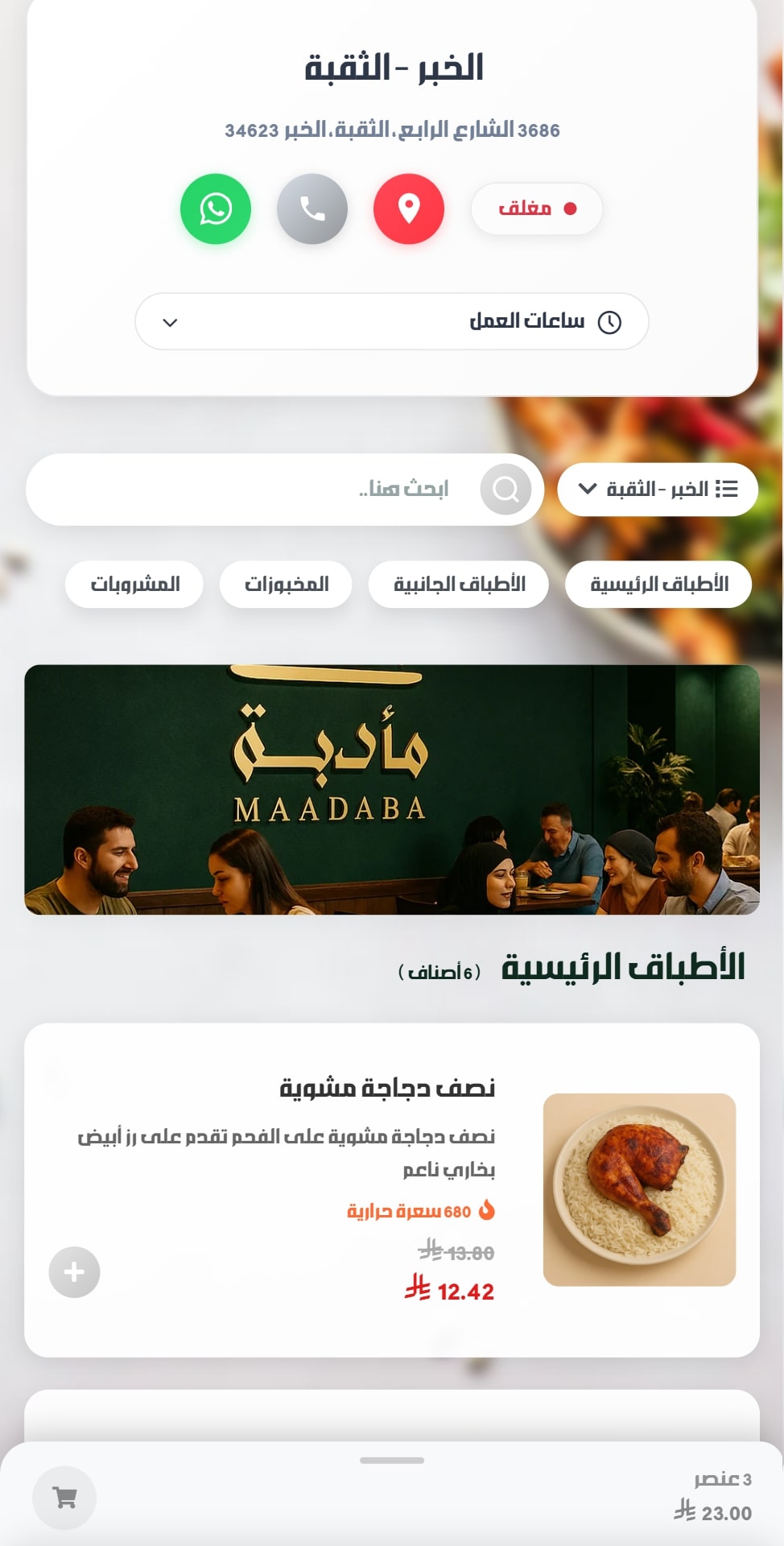
The E-Menu app
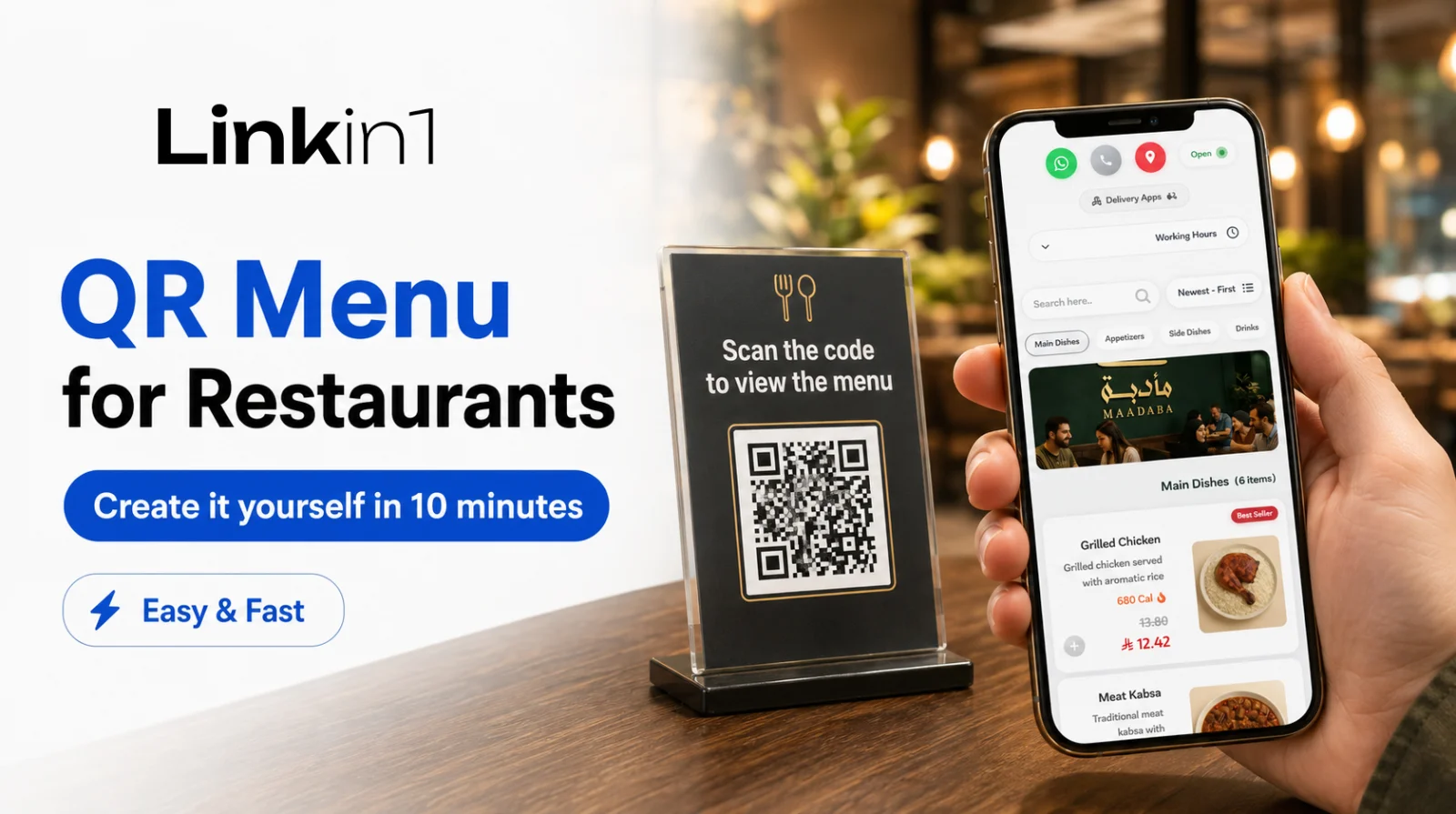
Built for restaurants and cafes: present your full menu with photos, prices and descriptions, reachable through a QR code — no paper menus needed.
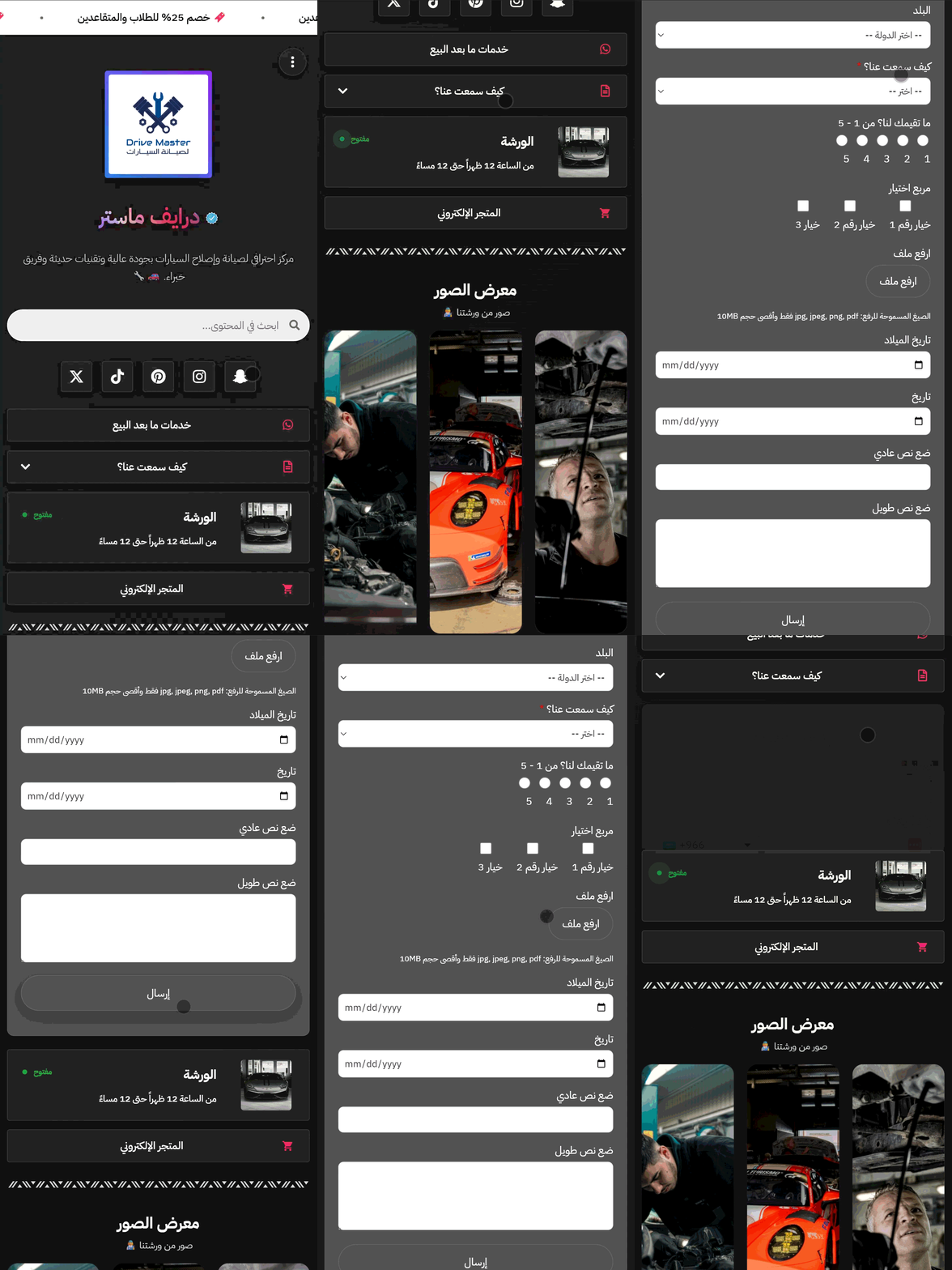
The form builder app
Collect potential customers' information straight from your page. Design custom forms for names, phone numbers, emails or any other data you need — building a strong customer database for your future marketing campaigns.
The top notification bar
Appears at the top of your page — use it to announce special offers, important updates, or any message you want every visitor to see the moment they arrive.
The FAQ app
Answer common questions right on your page, cutting repeat enquiries and improving the visitor experience.
Buttons linked to branch opening hours
For businesses with several branches or set working hours, Linkin1 can tie buttons to opening times. Your call or booking button only appears during working hours, and each branch can have its own schedule — a better customer experience, and fewer after-hours calls.
Advanced analytics and tracking tags
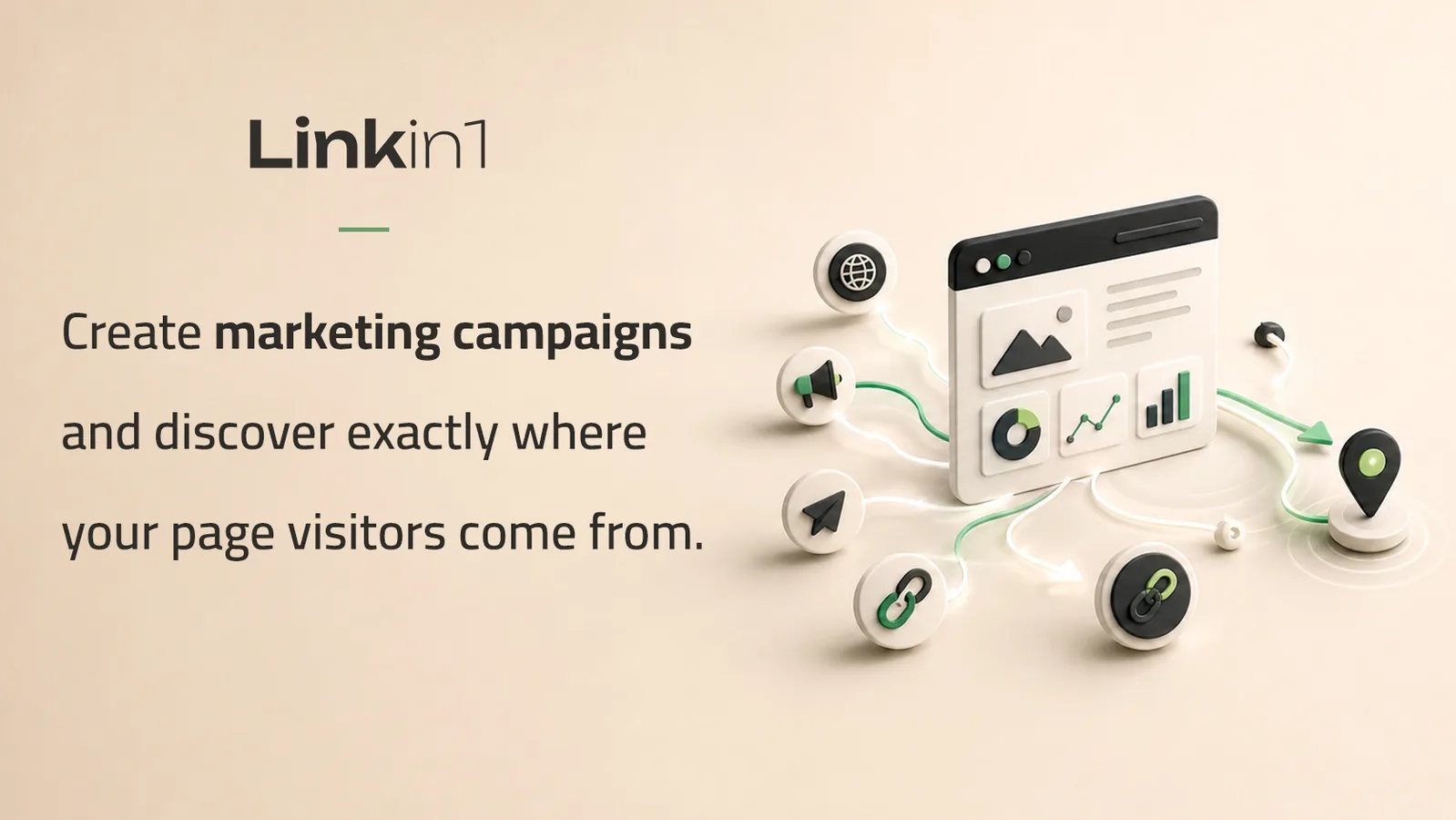
Understanding visitor behaviour is the key to improving your page and raising conversions. Linkin1 offers an advanced analytics system with precise data on visitor numbers, clicks per link, traffic sources, devices, and the most active hours. This data helps you understand your audience and make decisions grounded in real numbers.
The platform supports every major tracking tag your campaigns need: Google Analytics 4 for full analytics, Facebook Pixel for retargeting and conversion tracking, TikTok Pixel for TikTok ads, Snapchat Pixel, X Pixel for Twitter, Pinterest Tag, LinkedIn Insight Tag, and Google Ads. You can also install Hotjar to see visitor behaviour visually, and Chatbase for an AI-powered chat assistant.
All these tools work together to give you the full picture of your page performance and keep improving your marketing strategy. Tracking every click and visit tells you which content works best and which campaigns return the most.
Team management and sub-accounts
For businesses managing several pages or working with a team, Linkin1 offers unlimited sub-accounts. Create separate accounts per branch, employee or product line, and manage them all from one main account. It is a great fit for marketing agencies running multiple client pages, or companies with branches in different cities.
You can also add unlimited users to collaborate on managing pages, with distinct permissions per user — full control over who can edit which part of your page. Teamwork stays organised even with several people on the same project.
Full customisation and brand identity
Linkin1 understands how much visual identity matters to brands, so it offers deep customisation. On the paid plans you can hide the Linkin1 logo from the footer for a fully branded look. You can also put your own logo in the browser tab instead of the default icon — a professional touch when visitors bookmark your page.
For bigger brands, or anyone wanting the next level of polish, you can customise your page URL to reflect your brand name. Account verification is also available, adding the verified badge that boosts your page's credibility and reassures visitors they are in the right place.
Automatic search engine optimisation
When you build a link page on Linkin1, you are not just getting a link for your bio — you are getting a full web page optimised for search engines. On the paid plans, advanced SEO is enabled automatically, helping your page appear in Google results.
The system optimises every technical element needed for better search visibility: titles, meta descriptions, structured data and load speed. All you do is fill in your page details completely and accurately — the system handles the rest. Your page shows up when someone searches for your name or your business on Google, extending your reach beyond social platforms.
How does it compare to the competition?
When you look for an Arabic Linktree alternative, Linkin1 leads on several fundamentals. First, complete right-to-left Arabic support, with an interface designed for the Arab user. Second, pricing that fits the Gulf market, payable in local currency. Third, excellent Arabic-language support that understands your needs and resolves problems quickly.
Linktree and the other foreign platforms are built for Western markets and overlook what the Arab market needs. The e-menu, the FAQ app, data collection forms, buttons tied to opening hours — these were all designed specifically for the Arab and Gulf market, and you will not find them together on any competitor.
The many uses of a link page
The beauty of a link page is its flexibility. Influencers and creators use it to gather all their channels in one place, adding photo and video galleries to showcase their best content. Business owners use it as a mini website presenting products and services with direct contact forms.
Freelancers like designers and photographers use the gallery to present their portfolio professionally. Affiliate marketers rely on the advanced tracking tags to measure every product they promote. Restaurants and cafes use the e-menu with buttons tied to opening hours for a smooth customer experience.
How to get the most out of your bio link
Building the page is only the start — real success comes from how you use it. Update your links regularly around your current priorities. If you are promoting a new product or a particular piece of content, put it at the top and use a card with a compelling description to draw attention.
Use clear, inviting titles for every link. Instead of "YouTube link", write "Watch my latest videos" or "My YouTube channel" — it noticeably raises click-through rates. Use the scheduling feature to run temporary campaigns without manual babysitting.
Check your analytics regularly to see what performs best and double down on it. Use the tracking tags to measure the return on your ad campaigns and keep refining your strategy. Use the data collection forms to build a strong list of potential customers.
Start with Linkin1 today
Now that you know how to build a professional bio link and everything you get with it, it is time to start. Signing up for Linkin1 is completely free, and you can have your professional page live in minutes. The free plan gives you the essentials, while the paid plans unlock every advanced feature.
Whether you want an Arabic Linktree alternative, an e-menu for your restaurant, or a professional page for your work and services — Linkin1 is the complete solution designed specifically for the Arab market. It combines ease with professionalism, with features no competitor matches.
Start now and join the thousands of users who chose Linkin1 as their platform of choice for managing their digital presence. Visiting linkin1.com/register and building your professional page today is the first step towards a stronger, more professional digital presence.