If you are looking to create a free website that runs beautifully on mobile and works as one unified link for your accounts, products and services, this page is for you. In this practical guide you will learn how to build a professional mini website in minutes — no hosting, no coding — using Linkin1, which offers a free-for-life plan plus paid plans for advanced needs.
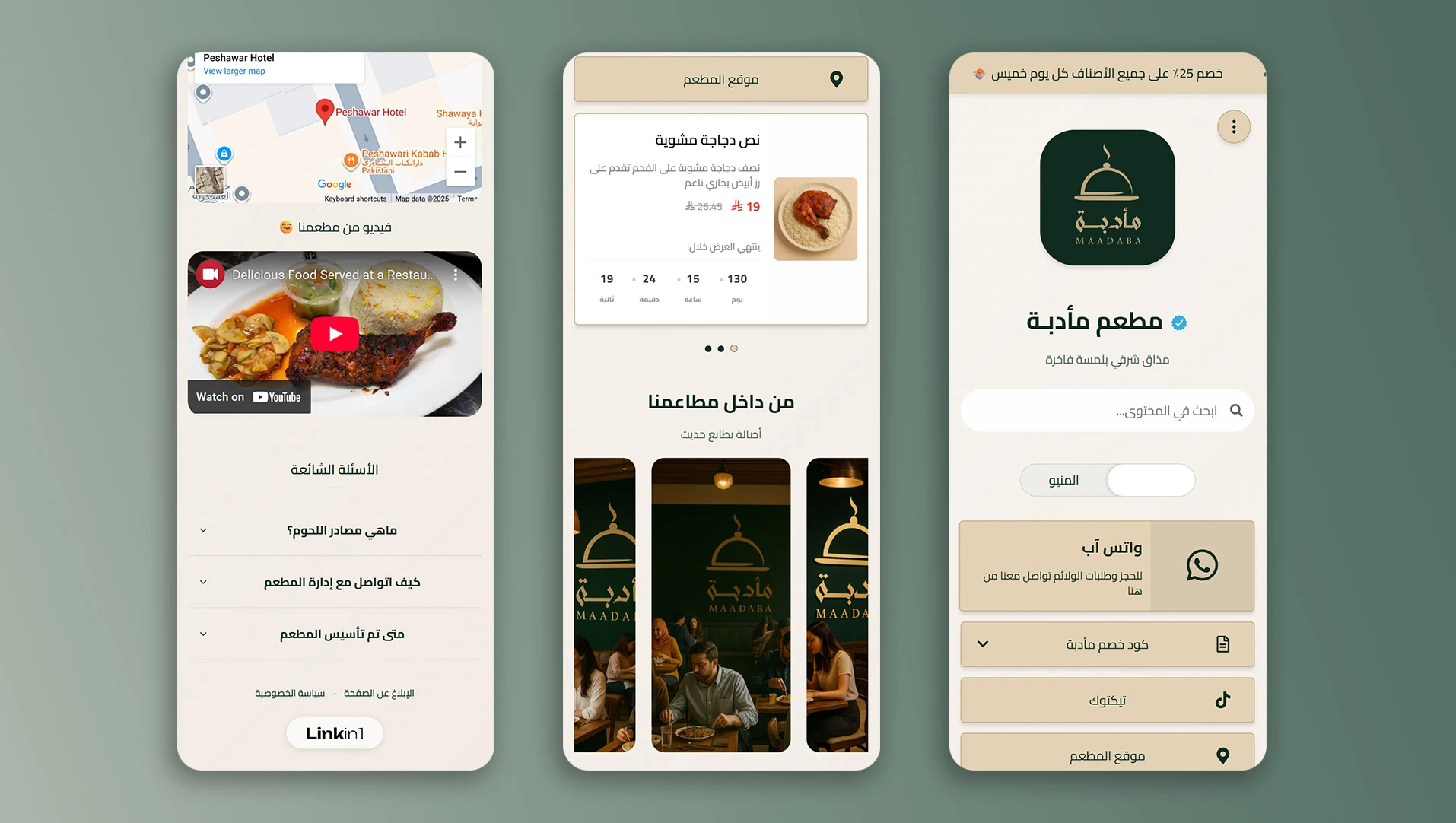
What is a mini website, and why do you need one?
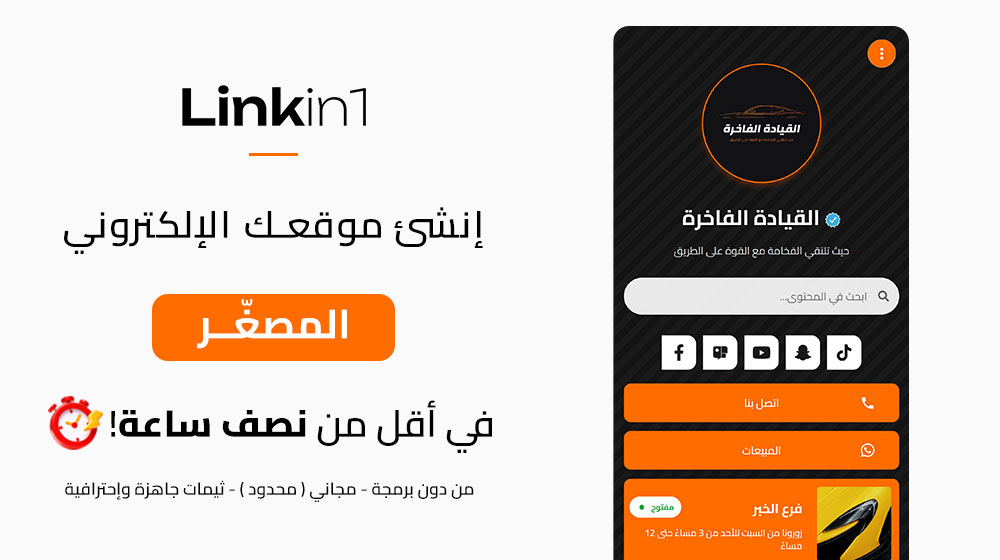
A mini website is a single, focused page presenting your most important links, content, media and contact options — a fast landing page for mobile devices. It suits content creators, small shops, freelancers, restaurants and clinics. Instead of building a large site with heavy time and cost, a mini website gives you a practical way to get a website up quickly, with room to grow later.
- Perfect as your bio link on Instagram, TikTok and Snapchat.
- Unifies access: links, offers, products, bookings, WhatsApp, maps.
- Pushes the visitor towards one clear action (contact, buy, follow).
Why is Linkin1 the best mini-website builder?
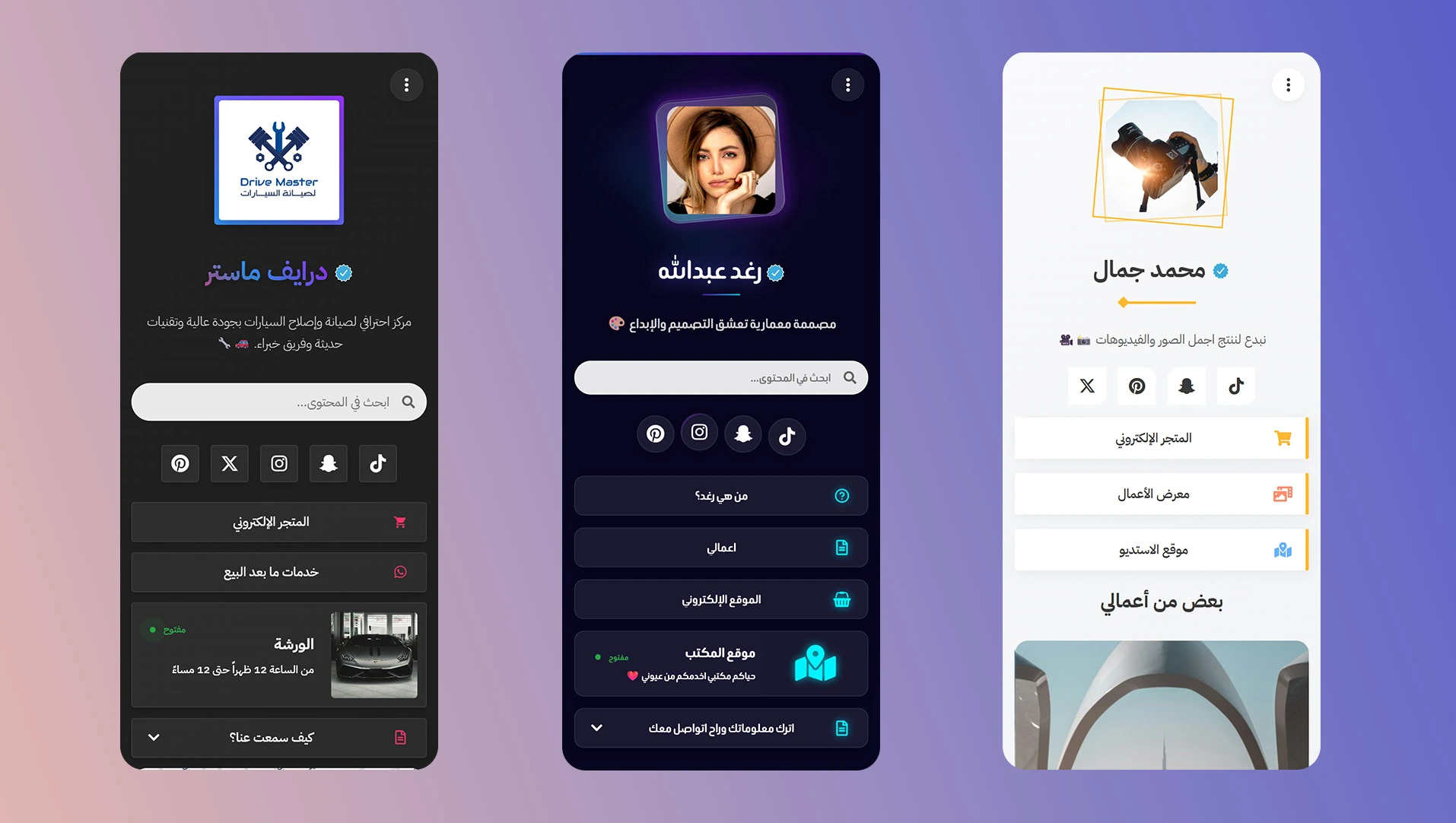
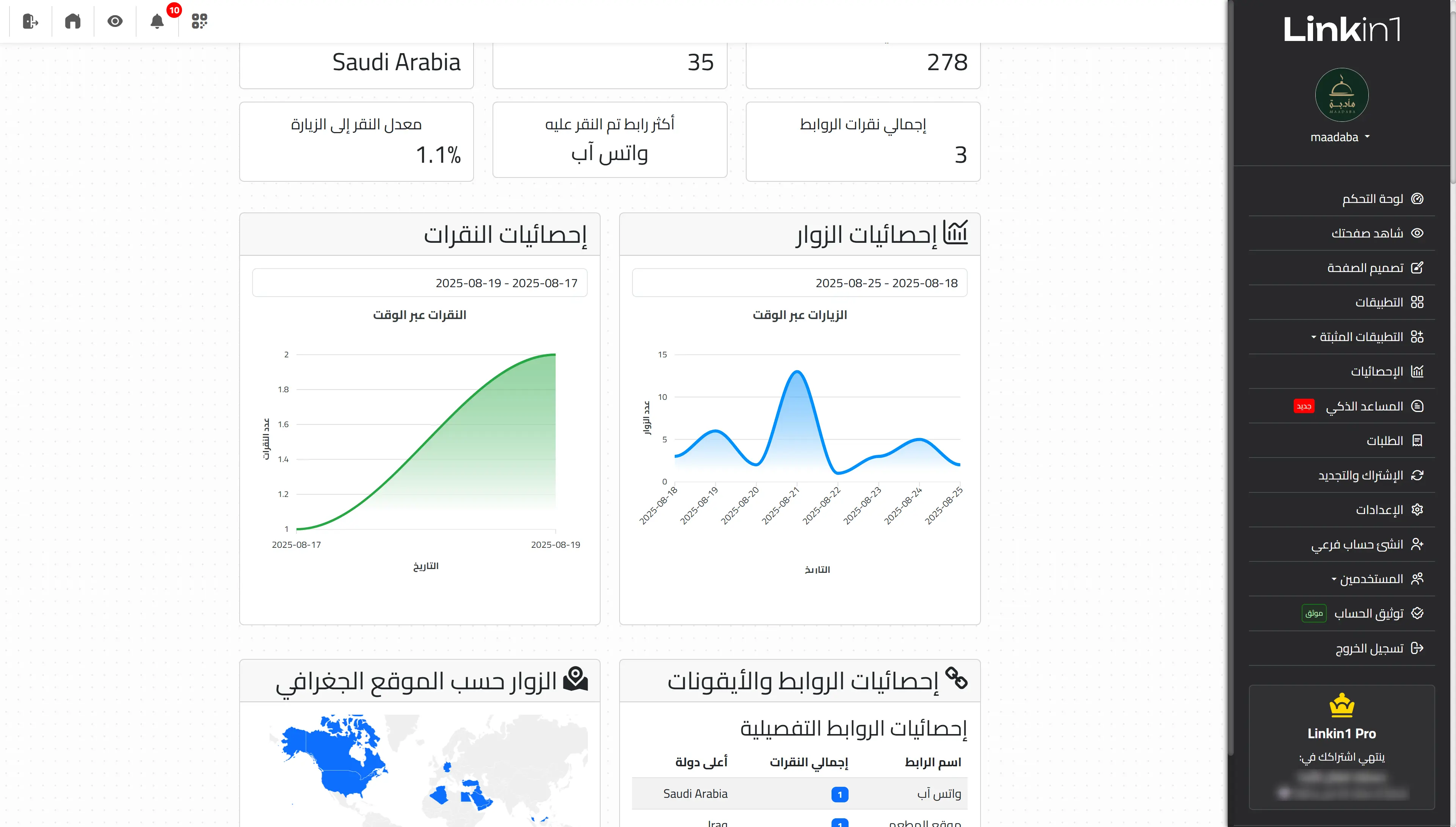
Linkin1 was designed to be the easiest mini website builder with an Arabic-first heart. The idea goes beyond "gathering links": it is closer to a mini CMS that gives you control over the design, lets you add media and products, run offers, and comes with SEO options and analytics to understand your visitors. Start with a free sign-up in seconds, then grow your page over time.
The essentials that matter:
- A fully localised interface with both RTL and LTR support.
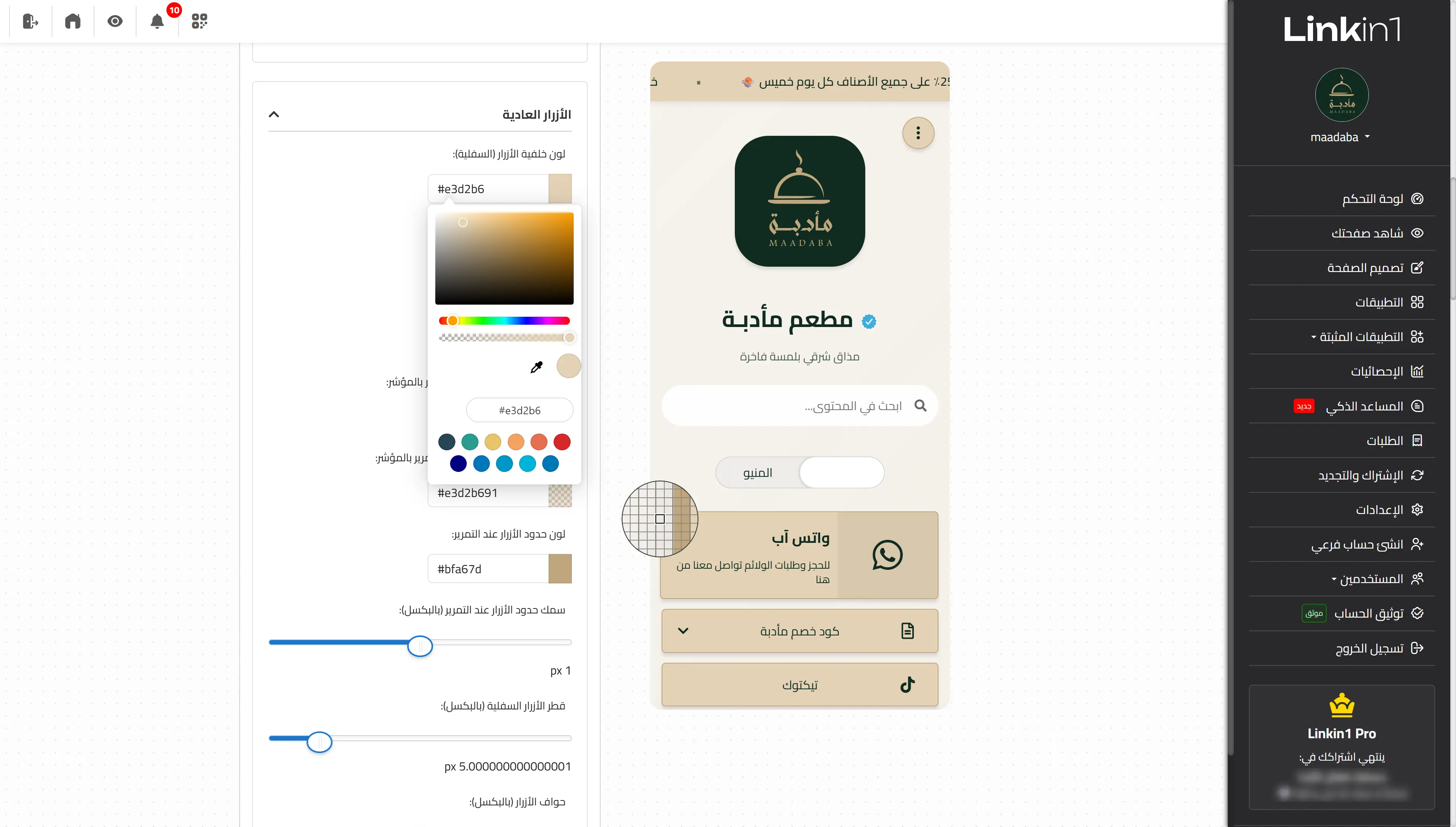
- Professional, customisable themes (colours, fonts, backgrounds).
- Unlimited links + flexible section ordering.
- Photos, video and portfolio galleries in a few clicks.
- Products, services, and payment/contact links.
- A top notification bar for offers and alerts.
- Data collection forms (sign-ups, service requests, surveys).
- Marketing integrations: Google Tag Manager, Hotjar, Chatbase.
- Analytics and the fundamentals of search engine optimisation (SEO).
- A free-for-life plan + paid plans for advanced features.
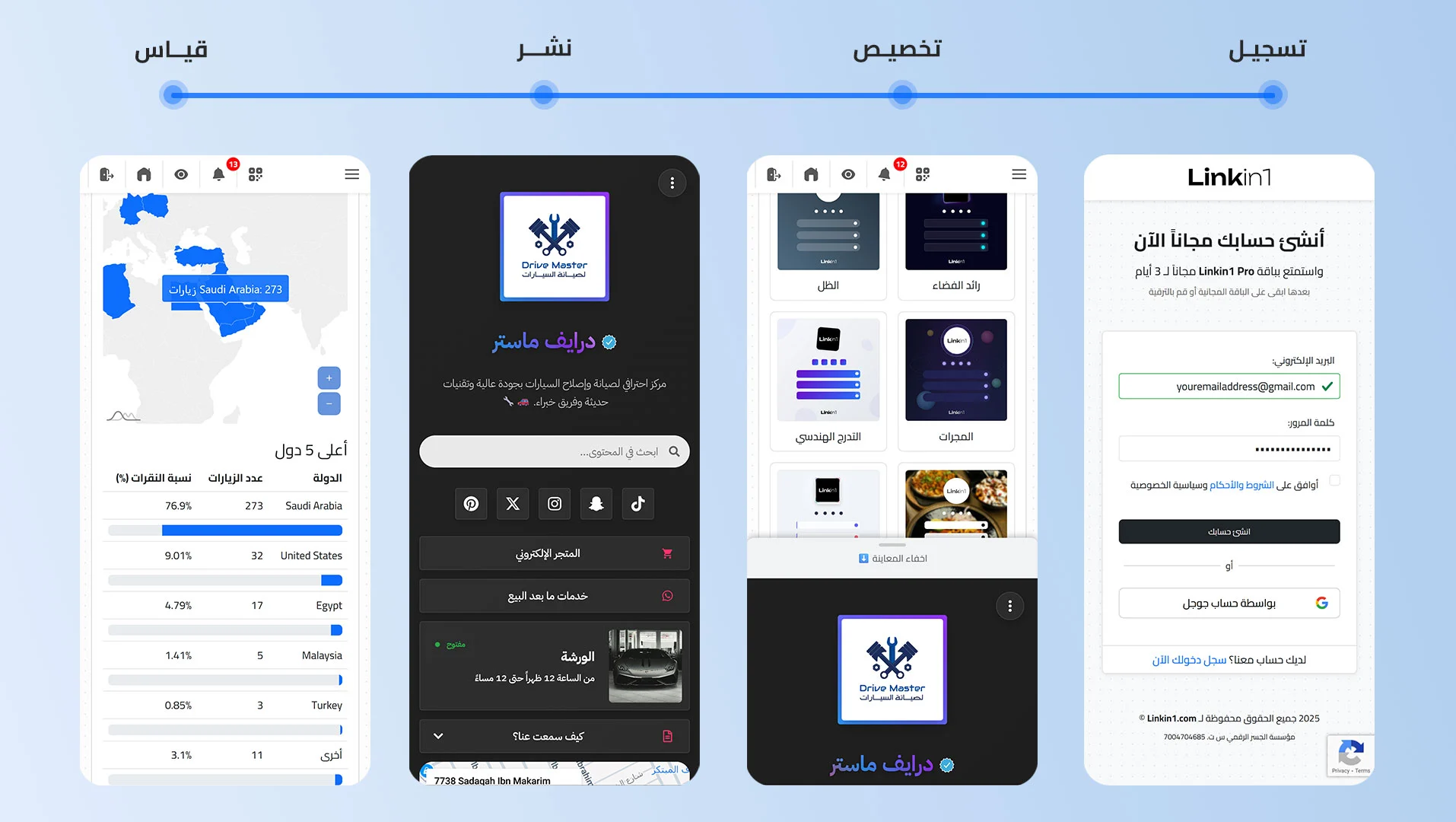
Create a free site in minutes — step by step
Whether your goal is a small business website to present your services, or a free personal page to introduce yourself and connect your accounts, follow these steps to launch a professional mini website in minutes:
- Sign up free: go to linkin1.com/register, create your account and pick a page URL that fits your brand.
- Define your page's goal: selling a service? An online shop? A non-profit? A content creator? A clear goal makes ordering the sections easy.
- Pick a professional theme: start with a ready-made theme, or customise the design — colours and fonts — to match your visual identity.
- Add the essentials: a profile photo or logo, a short bio, and call-to-action buttons (contact, book now, request a quote).
- Add your links and media: social links, a photo/video gallery, a map to your shop, or an e-menu if you need one.
- Turn on the marketing elements: a top notification bar for limited offers, sign-up/request forms, payment links or an external store.
- Optimise for search (SEO): a clear title, a concise description, and natural keywords like create a free website, free website for life, business website, mini website builder.
- Publish the link and watch the results: put it in your bio, your profile, video descriptions and CVs — then watch the analytics.
Real examples: where does a mini website shine?
1) Content creators and influencers
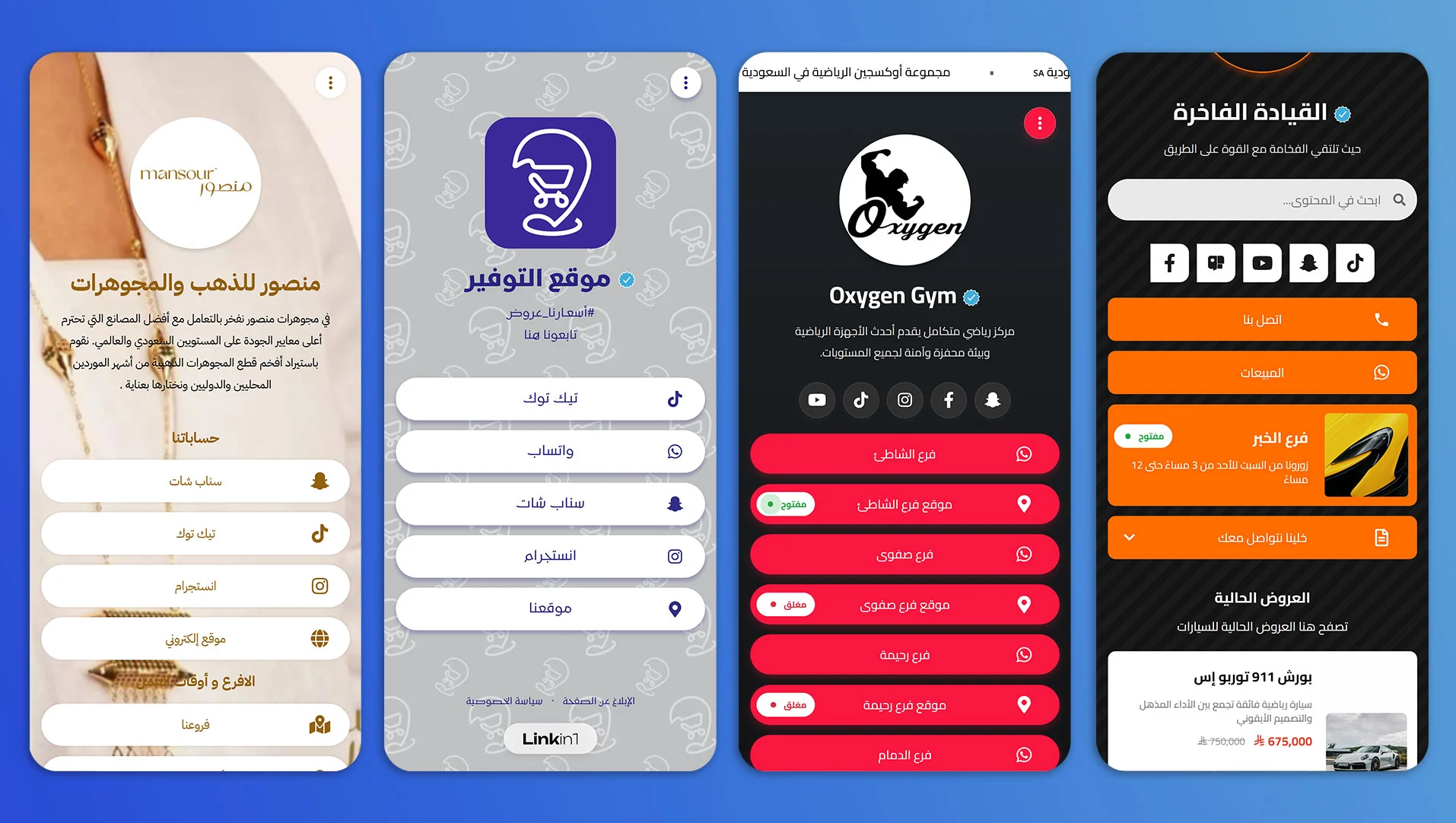
Put your channels and accounts in one place, feature your newest video or episode, add a discount code or a course link. Your bio link becomes a control panel for your audience.
2) Small shops and local services
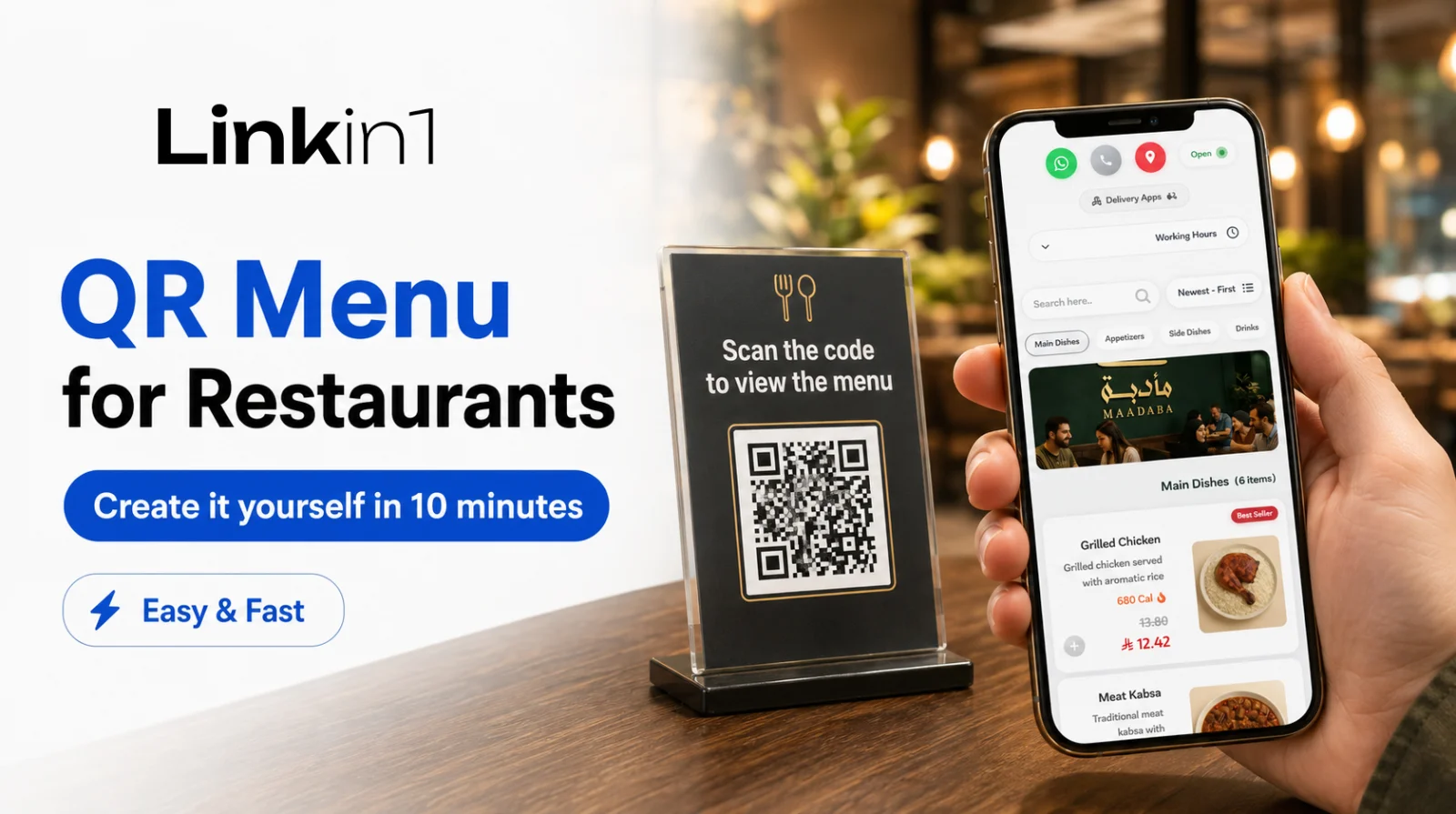
Show a short product list with photos, prices and contact/payment links. If you run a restaurant or cafe, use the e-menu with an "order now" button.
3) Freelancers and service agencies
A short bio, a portfolio, service packages, and a quote-request form. It is the shortest path to a lightweight business website that sells for you without complexity.
4) Clinics and centres
Introduce the service, show the location map and working hours, add quick contact buttons and a preliminary booking form.
Should I use WordPress hosting, or a mini-website builder?
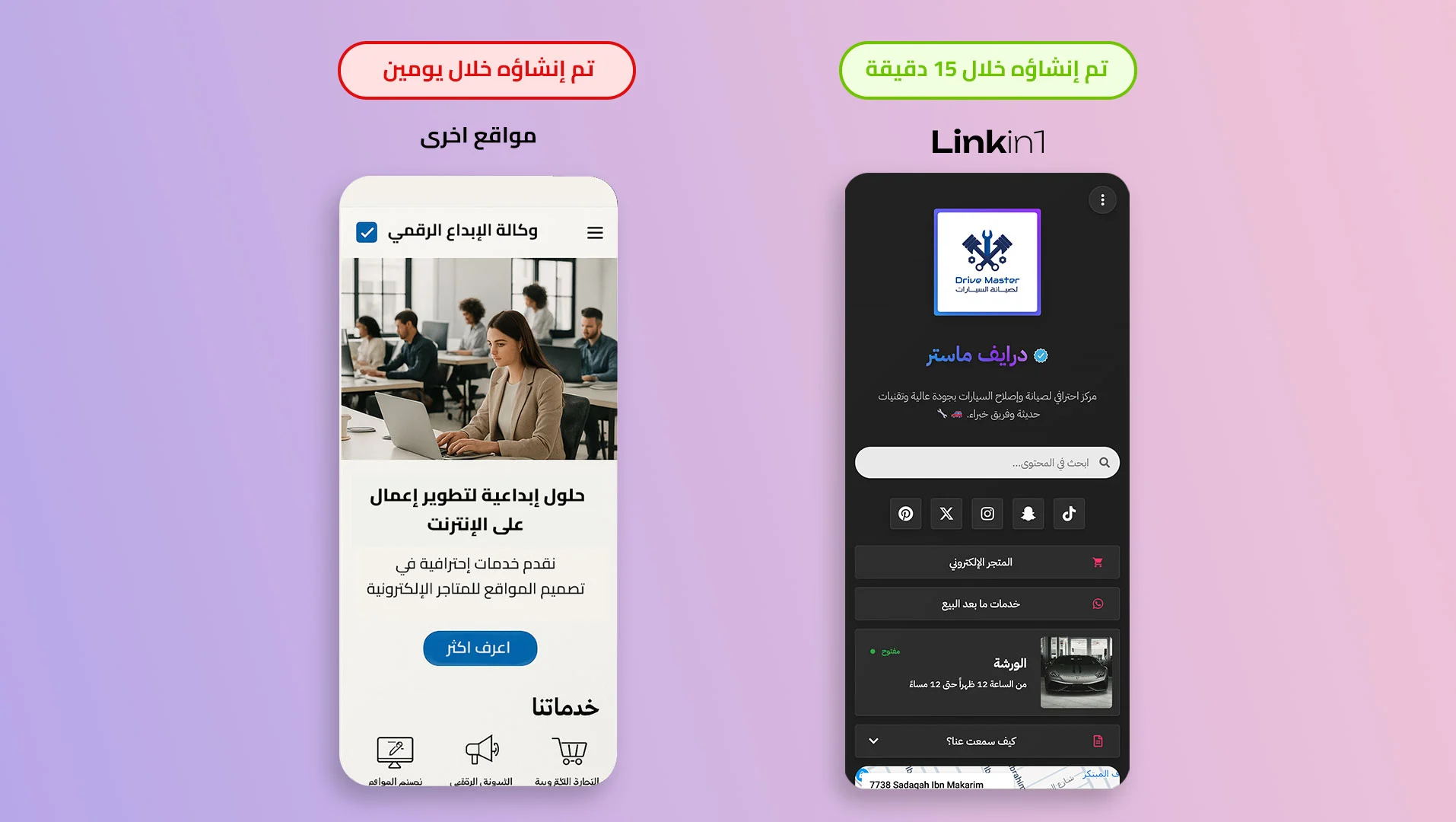
Technically you can build a full WordPress site — but that means hosting, a domain, updates, plugins, security… and so on. If your goal is to launch a free site in minutes and focus on quick results, start with a mini website builder like Linkin1. Later, if you ever need a large multi-page site, you can connect the two — the mini site stays your fast link for campaigns and social.
- Speed: launch in minutes, not weeks.
- Simplicity: no technical setup, no maintenance.
- Focus: one page that drives one outcome (contact / order / buy).
Free for life… paid when you need more
Linkin1 offers a free-for-life plan — plenty to launch a free website that works as your unified link. As your needs grow (advanced design, analytics, integrations, forms, a menu…) you can upgrade to the paid plans easily. Full details on the pricing page.
Quick tips to help your mini site rank on Google (SEO)
- Use a clear title with phrases like create a free website or free website for life.
- Write a concise description explaining what you do and who it helps.
- Add compressed images with descriptive alt text.
- Make your H2/H3 subheadings describe the page sections accurately.
- Publish the link everywhere: your bio, WhatsApp Business, video descriptions, Google Business Profile.
Start now — build your mini website in minutes
Ready to try creating a free website that works on mobile from the first second? Sign up now and build your mini website with professional themes — and upgrade later only if you need to: linkin1.com/register
Keywords this guide covers
create a free website, free website builder, free website for life, business website, create a site in minutes, free web design, how to build a professional website, mini website builder.